
Tax Agent Portal Login is a commonly searched term for accessing the Australian Taxation Office’s (ATO) modern Online services for agents platform. It provides registered tax and BAS agents with secure digital access to client tax affairs, records, lodgment services and other important practice functions.
The service is operated by the Australian Taxation Office (ATO) and uses digital identity and business authorisation arrangements rather than relying solely on a traditional username and password. This helps verify the identity of tax professionals and ensures they have appropriate authority to access sensitive taxpayer information.
For tax professionals in Australia, the Tax Agent Portal / Online services for agents environment supports everyday client administration, tax lodgments, communications, account management and other professional responsibilities through a secure online system.
What Is the Tax Agent Portal?
The Tax Agent Portal is the term many users still use when referring to the ATO’s online platform for tax professionals. The current service is known as Online services for agents and is intended for registered tax agents, BAS agents and authorised practice staff.
Through the platform, an authorised professional can work with client information and perform eligible online tasks without having to manage every request through phone or paper-based channels.
Depending on the user’s authorisation and access level, the service can support activities such as:
The ATO describes Online services for agents as one of its digital services for registered agents, alongside services such as the Practitioner Lodgment Service.
Who Can Use Online Services for Agents?
The platform is primarily intended for professionals who have the appropriate authority to act for clients. This can include:
Simply working at an accounting or tax business does not automatically provide access to every client record. Staff access depends on the authorisations and permissions established for the practice.
That distinction is important because the system deals with protected taxpayer information. Access should therefore be based on the person’s actual role and responsibilities.
What You Need Before Using the Tax Agent Portal
Before attempting a Tax Agent Portal login, make sure your digital identity and practice authorisation are ready.
The main requirements can be grouped into three areas:
| Requirement | What it does |
|---|---|
| Digital ID | Establishes your identity online |
| RAM authorisation | Connects you with the relevant business or practice |
| Access permissions | Determines what functions and records you can use |
The ATO’s system requirements information states that each user should have their own digital identity. For practices with multiple users, the principal authority authorises staff through RAM and Access Manager is used to control access to functions and records.
Digital ID
A Digital ID is used to prove who you are when accessing supported Australian Government online services.
For tax professionals, the identity used for access should belong to the individual user rather than being shared between employees.
This means a practice should not give several employees one person’s login credentials. Each authorised staff member should use their own identity and permissions.
Relationship Authorisation Manager
Relationship Authorisation Manager (RAM) is used to establish the relationship between an individual and a business.
For a tax practice, this authorisation is important because it connects the professional or staff member to the business entity they are acting for.
A principal authority can use RAM to establish the business relationship, while authorised administrators can manage appropriate staff authorisations.
Access Manager
RAM establishes the business relationship, but internal access control is also important.
Access Manager allows an appropriate practice administrator to manage which users can access particular functions and records. This is especially useful for accounting firms where different employees have different responsibilities.
For example, one staff member may need access to client records and lodgment functions, while another may require a more limited set of permissions.
Security tip: Never share one person’s Digital ID credentials across a tax practice. Individual identities make it easier to control access and remove permissions when staff roles change.
How to Set Up Your Tax Agent Portal Access
Getting access is not simply a matter of opening the ATO website and creating a normal username and password. The setup involves identity verification and business authorisation.
Step 1: Set Up Your Digital Identity
Start by setting up your supported Digital ID using the official identity service available to you.
During setup, you may need to provide personal information and identity documents to establish the required identity strength.
Your Digital ID should belong to you personally. It should not be created as a shared practice account.
Once your identity has been established, keep the device and credentials used for authentication secure.
Step 2: Connect Your Identity Through RAM
The next stage is connecting your identity to the relevant practice or business.
A principal authority can establish the business relationship through RAM. Where a staff member needs access, the appropriate person within the practice can send an authorisation request.
The staff member then uses their own Digital ID to accept the authorisation.
This creates the connection required for the professional to act for the relevant business through supported government services.
Step 3: Configure Staff Permissions
After the business relationship has been established, the practice can use Access Manager to control staff permissions.
Before giving access, consider what the employee actually needs to perform their role.
For example, permissions may be structured around responsibilities such as:
This approach helps prevent unnecessary access to sensitive client information.
Tax Agent Portal Login: Step-by-Step
Once your Digital ID and authorisations are ready, the actual Tax Agent Portal login process becomes much more straightforward.
Step 1: Open the ATO Website
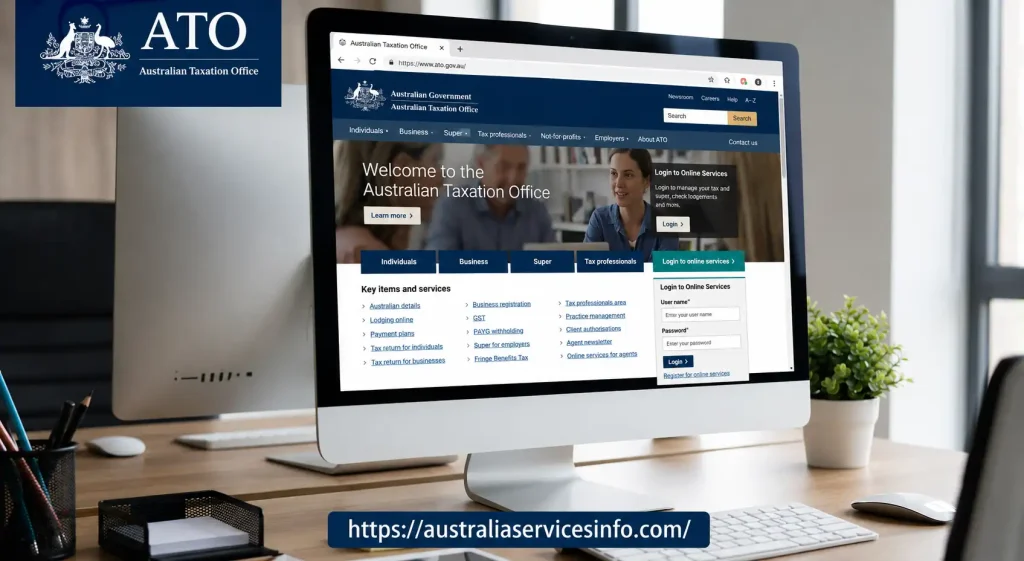
Go to the official ATO website and locate the login area.
Avoid using unofficial websites that imitate the ATO login page. Checking the domain before entering any authentication information is a basic but important security step.
Step 2: Select the Tax Professional Login
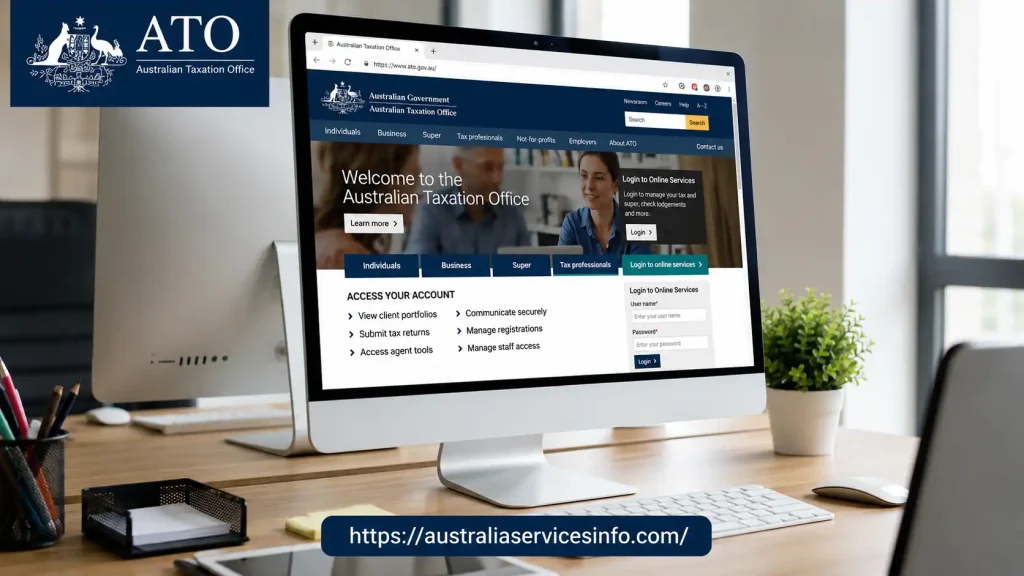
From the ATO online services area, choose the option intended for agents or tax professionals.
The service is presented as Online services for agents, which is the current name associated with the platform commonly searched for as the Tax Agent Portal.
Step 3: Continue With Digital ID
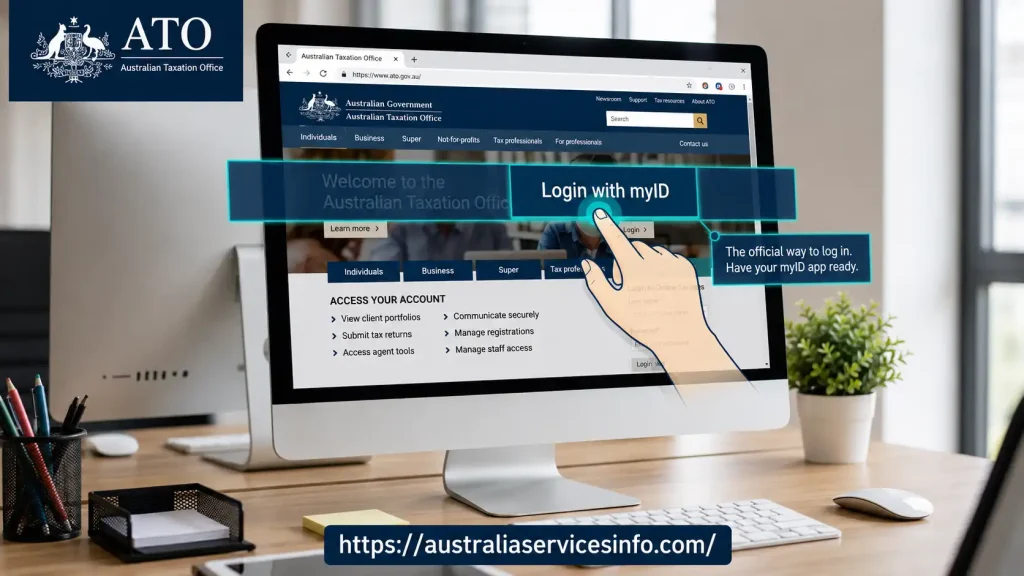
Select the Digital ID authentication option and follow the instructions shown on screen.
Your authentication process may require confirmation through your Digital ID application or device.
The purpose of this step is to verify that the person attempting to access the account matches the authorised identity.
Step 4: Complete the Verification
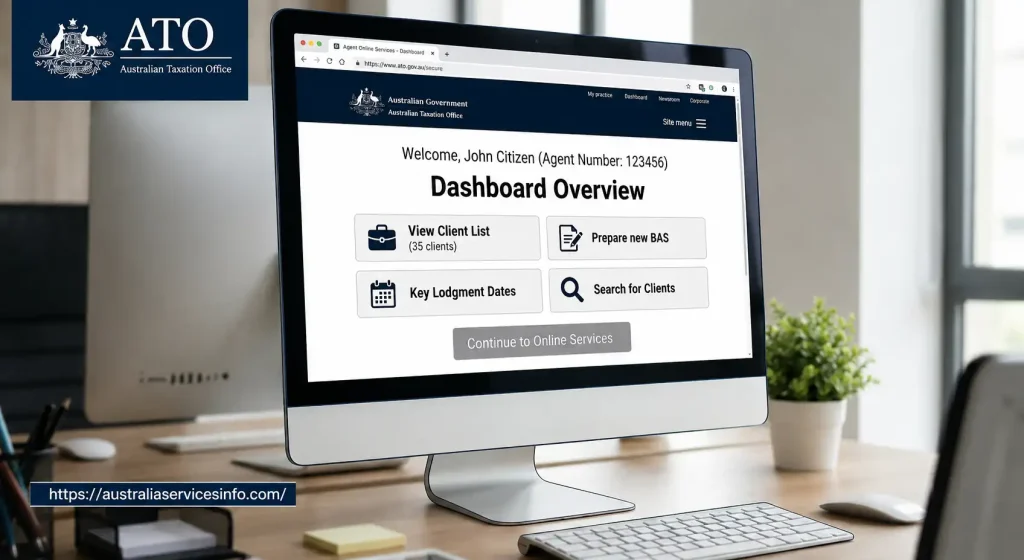
Follow the verification instructions displayed during login.
Depending on the authentication process, you may need to confirm a code or approve the login using your mobile device.
If the verification fails, check that your device has an active internet connection and that its date and time are set correctly.
Step 5: Choose the Relevant Practice
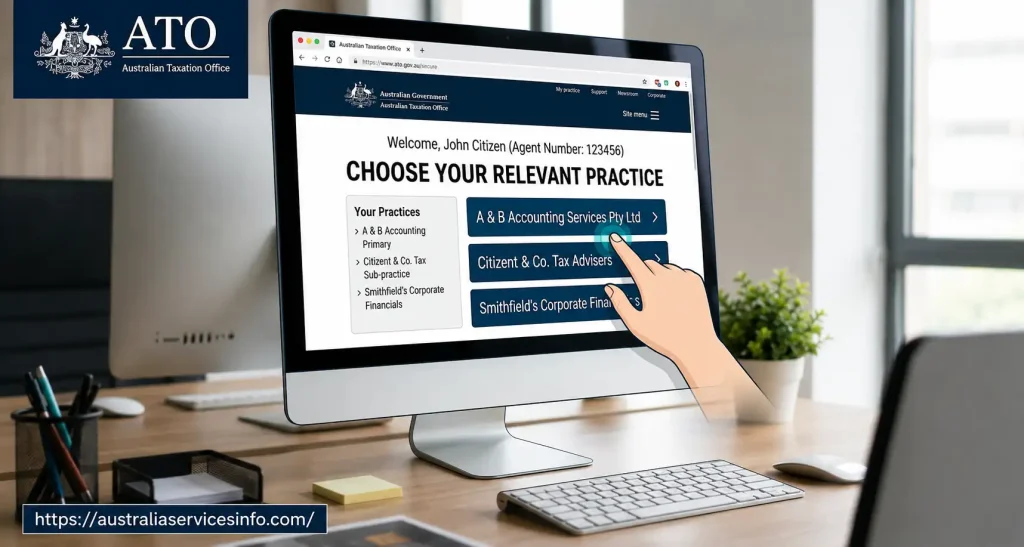
Professionals who are authorised to act for more than one business or practice may be presented with an appropriate selection.
Choose the practice you need to work with before proceeding.
This is particularly important for professionals who manage several business relationships, because selecting the wrong entity could take you into the wrong practice environment.
Step 6: Enter the Agent Workspace
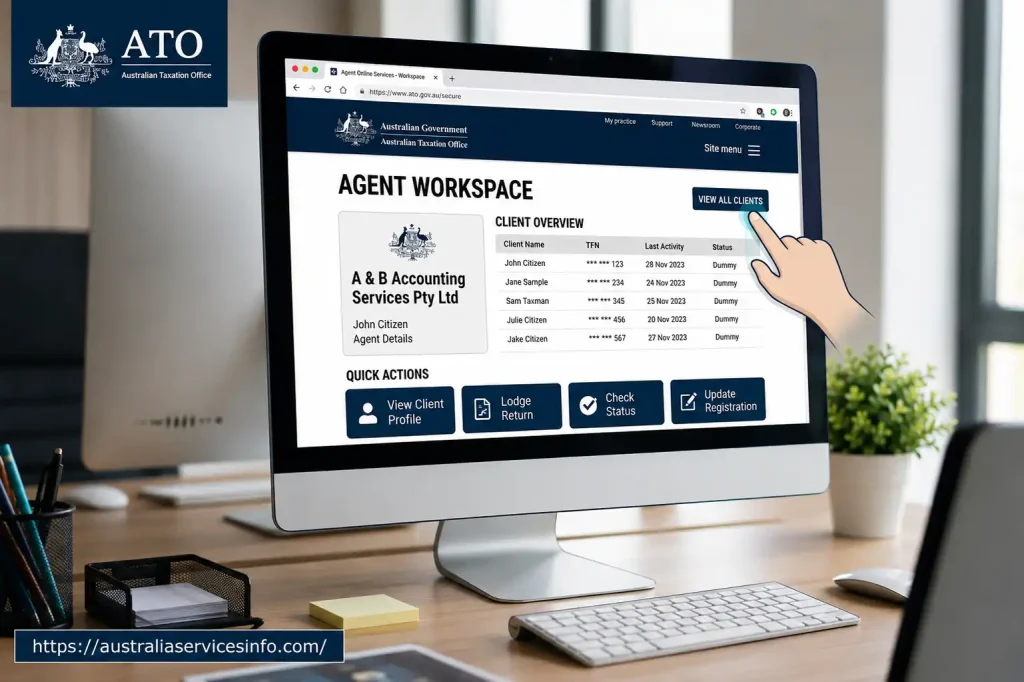
After successful authentication and authorisation, you can enter the available Online services for agents functions.
The options displayed will depend on your role, authorisations and permissions.
Important: Access to a particular function is not guaranteed simply because you can log in. The permissions assigned to your user account determine which activities you can perform.
What Happens After Tax Agent Portal Login?
After authentication, the agent workspace provides access to the tools relevant to your practice and authorised clients.
The exact layout and available functions can change as the ATO updates its digital services, so users should rely on the options displayed within their current account rather than assuming every user will see an identical dashboard.
Common areas can include client management, lodgment-related services, reports, communications and account information.
The ATO also provides a live status dashboard for Online services for agents, which can be useful when a function appears unavailable.
ATO Digital ID and Access Restrictions
One point that tax professionals should understand is that identity strength can affect available functions.
ATO information indicates that some Online services for agents activities are restricted when a Basic Digital ID is being used. Examples of restricted activities include certain client-detail changes, some registration updates, financial institution changes, payment-plan submissions and other higher-risk functions.
Therefore, if you can successfully complete the Tax Agent Portal login but cannot perform a particular task, the problem may not be your login itself. Your Digital ID strength or practice permissions may be responsible.
Before You Log In: Quick Checklist
Make sure you have:
Once these elements are in place, most routine access problems can be identified much faster.
Managing Clients and Key Tax Agent Portal Features
Once you have completed the Tax Agent Portal login, the next stage is using the available Online services for agents functions efficiently. The tools you see can depend on your authorisations and the permissions assigned to your account.
Finding a Client
The client search function helps tax professionals locate an authorised taxpayer without manually navigating through every practice record.
Depending on the available search options, you may be able to search using information such as:
After selecting a client, the available information is presented through the relevant client workspace.
Managing Your Practice Client List
The practice area is useful for maintaining the relationship between your firm and its clients.
A typical workflow is:
- Open the practice or client-management area.
- Select the option for the client list.
- Choose Add client where appropriate.
- Enter the required client identifier.
- Confirm the client’s details.
- Select the authorisation areas required for your work.
- Save the changes.
Before adding or changing a client relationship, check that the authorisation information is correct. Incorrect permissions can prevent expected services from appearing later.
Working With Client Tax Information
After selecting an authorised client, the available client summary provides a central point for reviewing relevant information.
Depending on your access, this can include areas relating to:
The information shown should always be checked against the client’s records before you prepare or submit a lodgment.
Reviewing Pre-Fill Information
Pre-fill information can help tax professionals prepare returns by bringing together information reported to the ATO by relevant third parties.
A practical workflow is to select the client, open the relevant lodgment area and review the available pre-fill information before completing the return.
Information may include items such as:
Pre-fill data is a starting point rather than a substitute for checking the client’s actual records. If information appears incomplete or incorrect, investigate it before submitting the relevant return.
Lodgments and Activity Statements
The Tax Agent Portal can also be used for eligible lodgment-related work.
Tax professionals may use the relevant lodgment areas to monitor work, review information and submit supported forms or activity statements.
For BAS and IAS work, carefully check reporting periods, figures and due dates before submission. A mistake identified after lodgment may require additional action, so reviewing the information before pressing submit is worthwhile.
Reports and Forms
Reports can provide useful information for practice administration and client work.
Depending on your access, available options may include:
Use the report that matches the task rather than downloading unnecessary client information. This reduces clutter and supports better handling of confidential records.
Managing Client Accounts and Payments
Another important part of Online services for agents is reviewing account information.
When working within an authorised client record, you may be able to view account balances, payment information and applicable interest.
Where a payment plan function is available, the process can involve reviewing the outstanding amount, selecting the payment-plan option and entering the requested payment details.
Before submitting a payment arrangement, confirm the client’s financial position and the amount being addressed. The exact options available can depend on the account and circumstances.
Communication With the ATO
The Tax Agent Portal is not only used for tax records and lodgments. Communication tools can also help authorised professionals manage correspondence associated with their practice.
Depending on the service available to your account, you may be able to review ATO messages or access relevant correspondence history.
Keeping track of communications is important because an ATO message may contain information about a request, lodgment, account issue or other action that needs attention.
What to Do When the Tax Agent Portal Does Not Work
A successful login does not always mean every function will be available. Access problems can arise from identity verification, authorisation settings, browser issues, client relationships or temporary service interruptions.
Digital ID Verification Problems
If your authentication code does not work, check that:
Avoid repeatedly entering incorrect verification information. If the problem continues, use the official support options provided for the relevant Digital ID service.
Client Does Not Appear
If a client cannot be found after Tax Agent Portal login, first check whether the client relationship has been established correctly.
Also verify that your staff account has the necessary permissions.
If another agent has the relevant relationship or the authorisation has not been completed, the client may not appear as expected.
Access Denied
An Access Denied message can indicate that your user account does not have permission for the requested activity.
Ask the appropriate practice administrator to review your Access Manager permissions. Do not attempt to bypass the restriction by using another employee’s credentials.
Service Outage
Sometimes the issue is not related to your account at all. ATO online services can experience maintenance or temporary interruptions.
Before changing your account settings, check the official Online services status information:
If the service is experiencing an outage, waiting until the relevant system becomes available again may be the appropriate solution.
Security Practices for Tax Professionals
Because the platform provides access to sensitive taxpayer information, security should be treated as part of normal practice administration.
Use Individual Access
Every authorised staff member should use their own identity. Shared credentials make it difficult to determine who accessed information and make it harder to remove access when someone leaves the organisation.
Review Staff Permissions
Practice administrators should periodically review employee permissions.
If a staff member changes position, their access should be adjusted to match their new responsibilities. When someone leaves the practice, relevant access should be removed promptly.
Protect Client Information
Do not leave an authenticated session unattended on a shared computer.
Always lock your workstation when stepping away and follow your organisation’s information-security procedures when storing or transferring client documents.
Keep Your Browser Updated
Using a current supported browser helps reduce compatibility problems and improves security. If a page behaves unexpectedly, updating the browser or trying another supported browser can help identify whether the issue is local.
Tax Agent Portal Best Practices
A reliable workflow can make daily agent work much easier.
Before starting: Confirm that you are working under the correct practice and have the required permissions.
While working: Verify client information before changing records or submitting forms.
Before lodgment: Compare pre-fill information with source documents and check all required fields.
After submission: Save or record relevant confirmation details and monitor the client’s account or communication area when further action may be required.
These small checks can prevent avoidable errors and make the Tax Agent Portal more manageable for busy tax practices.
Frequently Asked Questions
Final Thoughts
The Tax Agent Portal search term generally refers to the ATO’s current Online services for agents, which gives authorised tax professionals a central online environment for client administration, lodgments, reports, account information and communication.
The most important part of getting started is setting up the correct identity and authorisation structure. Once Digital ID, RAM and practice permissions are correctly configured, the login process is much more straightforward, while regular permission reviews and careful client-data handling help keep the practice secure.
Smartraveller (2026): Complete Guide to Travel Advice, Safety Alerts & Australian Consular Support
Scratch (2026): Complete Beginner’s Guide to Coding, Projects, Registration & Animation